


Group texts
Buried by Wednesday, and nobody scrolls back.
Forty messages about the walk-in cooler, and the new hire was never in the thread.
Scheduling for small teams
Thyme is scheduling software for small businesses. Build the week, hit publish, and everyone gets their shifts automatically.
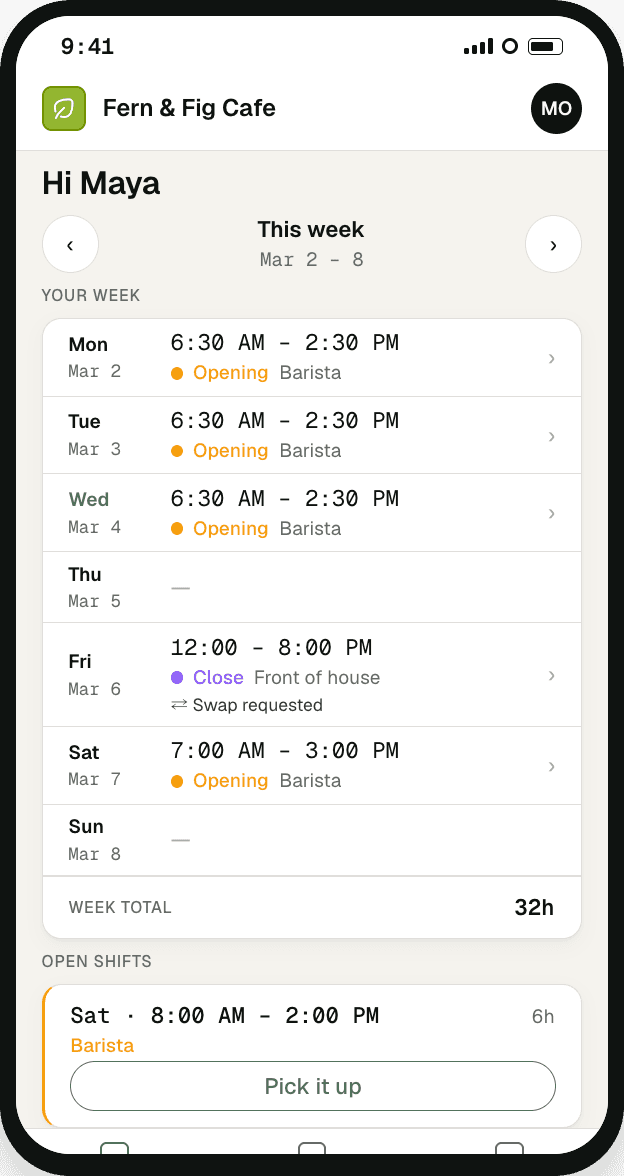
Getting it into eight people’s hands, and keeping it right after Wednesday’s swap: that’s where the week goes. Every fix below breaks at the same step.
Forty messages about the walk-in cooler, and the new hire was never in the thread.
You fix Thursday on your laptop. Their camera roll still says the old thing.
The swap goes on in pen, and anyone off that day never sees it.
Setup took an evening, the passwords lasted a week, and you still text the schedule.
Thyme replaces all four. One schedule, built and published in one place. Change it, and every person’s copy updates.
Copy, fill, publish. No setup to sit through first.
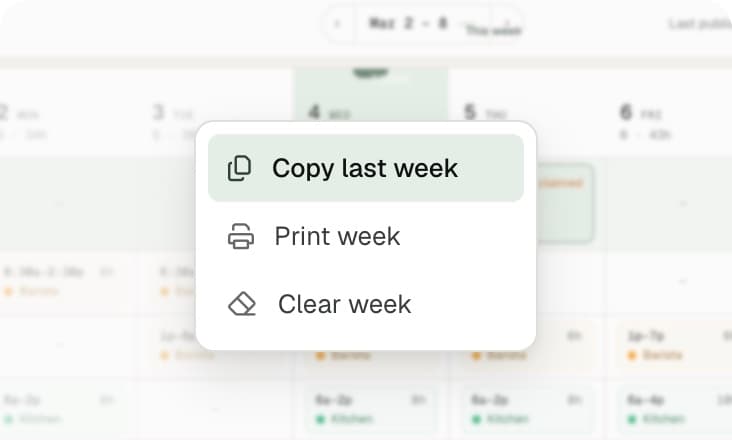
Copy last week and change what’s different.
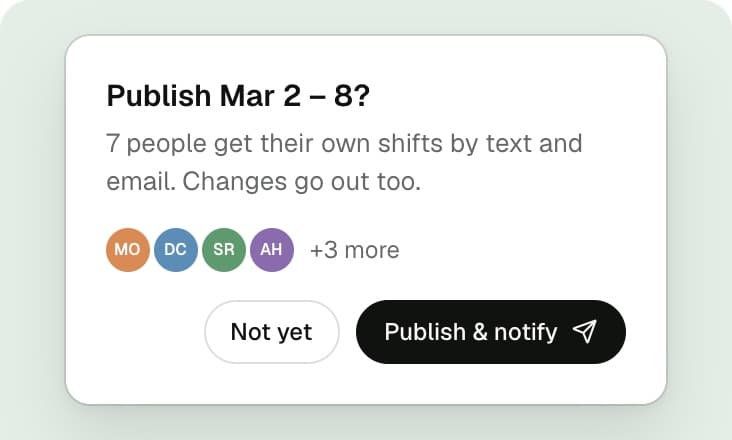
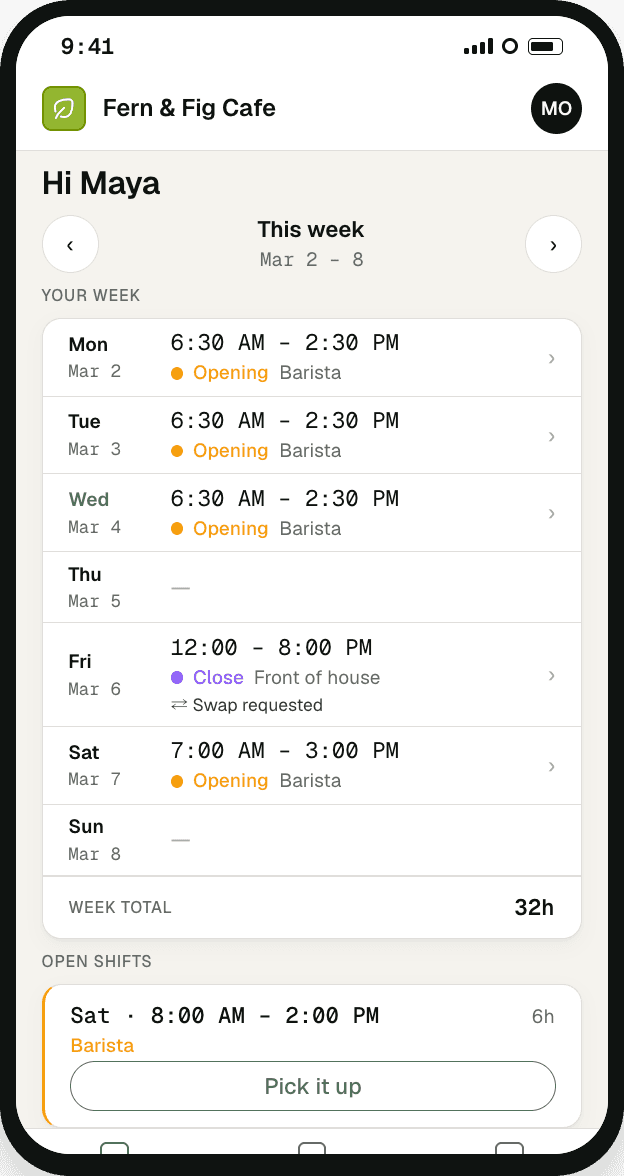
One button sends each person their own shifts.
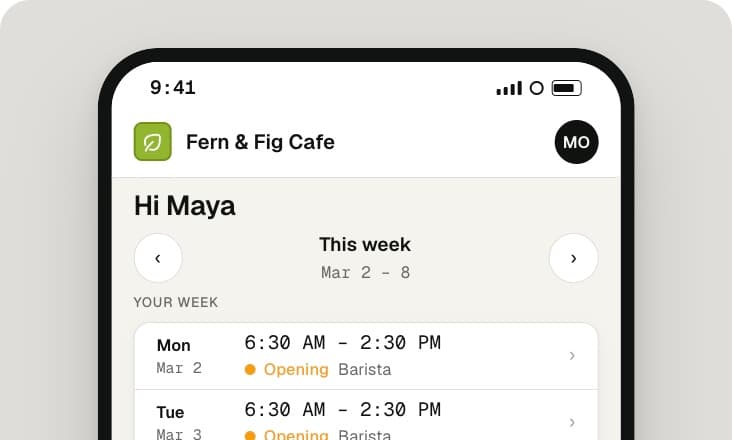
A private link that opens on any phone. No app, no password.
Cafés, restaurants, salons, gyms, cleaning crews, boutiques: the week is built by one person and lived by everyone else.

Hit publish and every server, cook, and host gets their own shifts. No accounts to set up.

Opener oversleeps? Move the shift from your phone. Whoever’s covering knows in seconds.

Build it chair by chair. Each stylist opens their own week, not the calendar by the register.

Your 6am instructor taps a link, sees their two classes, done.

No break room to pin a printout. The crew checks one link from the van.

Part-timers, students, one key-holder. Copy last week, adjust, and everyone knows their Saturday by Friday.
Scenarios, not testimonials.
It builds your weekly schedule and puts it on your team’s phones. That’s the whole job. Keep what you use for hours and pay.
Free during private alpha. After launch: free up to 5 people, then $29 a month flat for the whole team.
Thyme is invite-only while we get it right. Join the list and we’ll bring on a few more businesses each week.
No credit card, no trial timer. We’ll email you when there’s room.
Right on Thyme.


